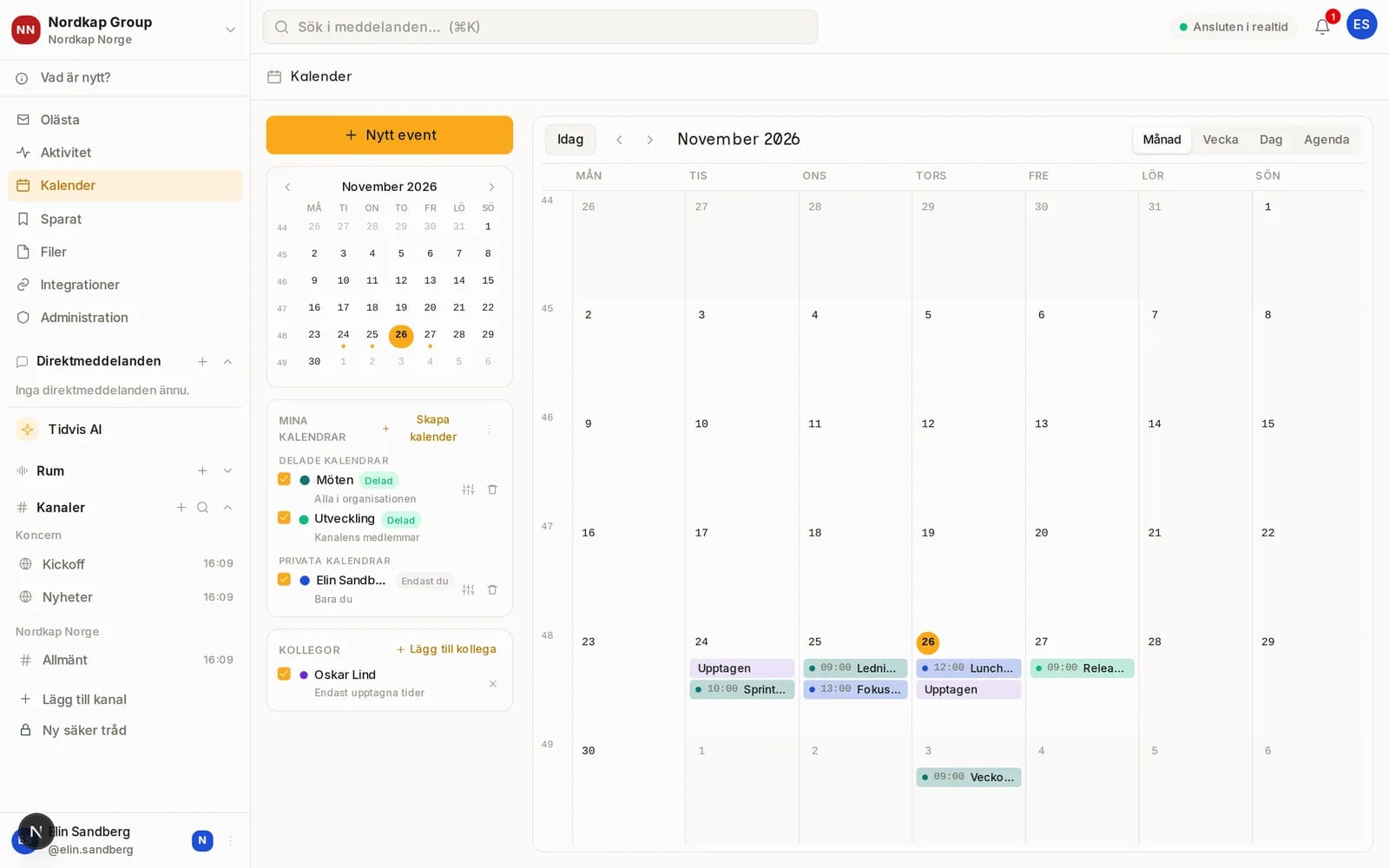
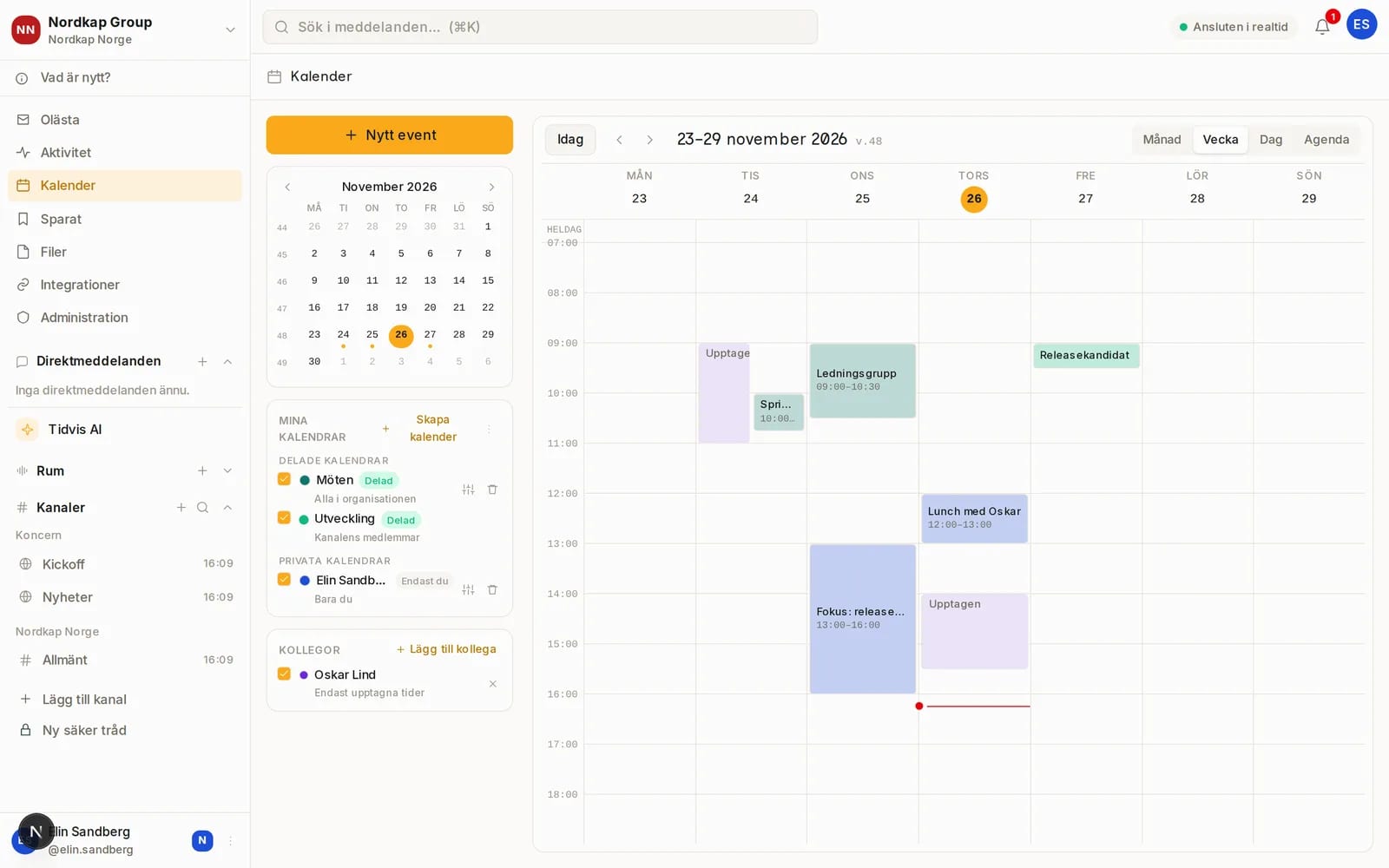
Plan in the same app as your conversations. See the day, the week and the month, compare with your colleagues' free time and find a slot that works. The calendar syncs with Google and with work shifts from Tidvis.
What you get
- ✓Day, week, month and agenda — plus the channel's own calendar
- ✓Free/busy or the full agenda: you decide what your colleagues see
- ✓Find time with colleagues, invite them and answer yes, no or maybe
- ✓Two-way sync with Google Calendar, iCal subscriptions and .ics files
How it works
01
Connect
Turn on Google Calendar or subscribe to an iCal feed. Work shifts from Tidvis become blocks in the calendar.
02
Plan
Create events in a personal, an organisation or a channel calendar.
03
Invite
Colleagues get the invitation in the chat and answer in the calendar. External guests get a meeting link.
From the platform